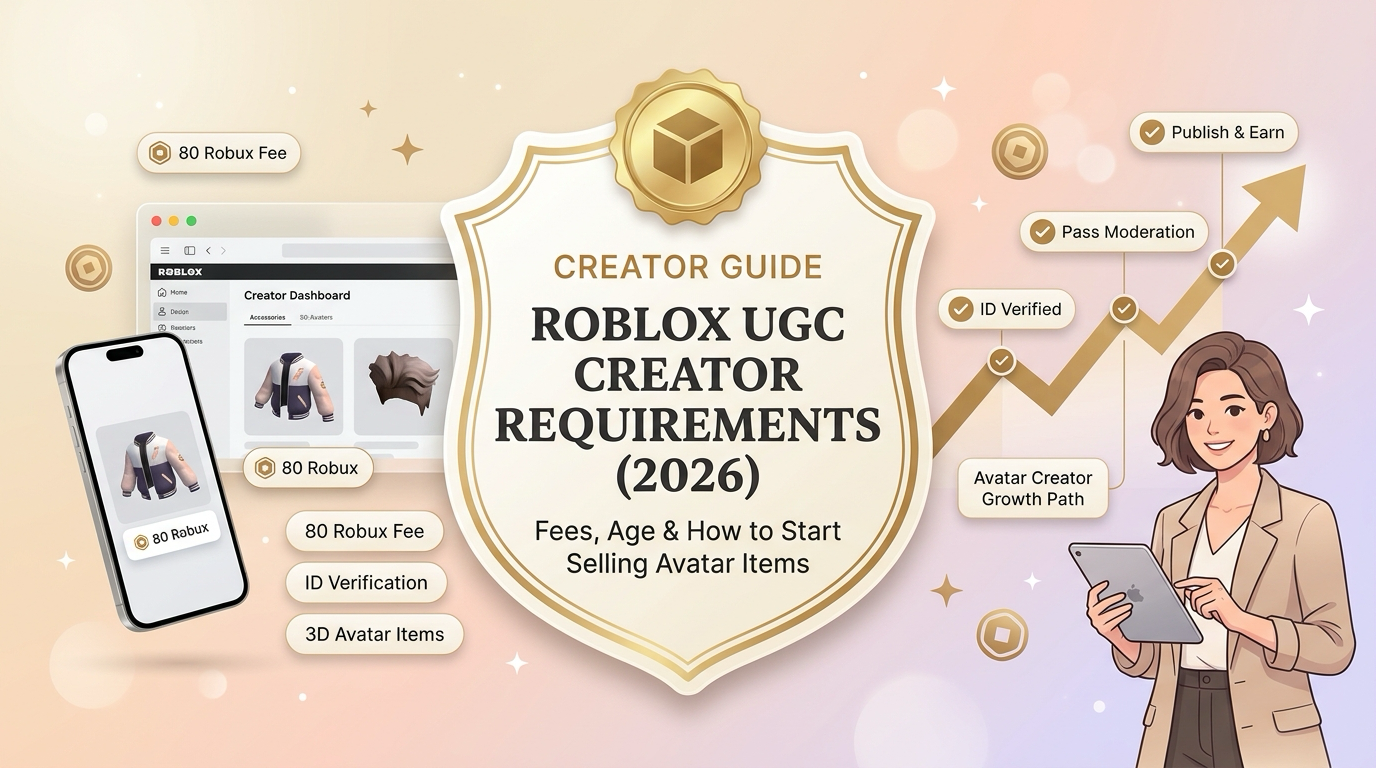
What are the Roblox UGC creator requirements?
UGC stands for user-generated content. On Roblox, it covers creations made by users, including avatar clothing, accessories, hair, heads, and other wearable items.
If you've ever looked at an avatar and thought, "I could make something cooler than that," becoming a UGC creator might be worth exploring.
The catch? Making an item and selling it on the Roblox Marketplace are two different things. Roblox has requirements for account verification, security, memberships, fees, and content moderation before you can start earning Robux from your creations.
Here's a quick checklist to get you started.
| Requirement | What you need |
|---|---|
| Roblox account | An account that meets the applicable creator requirements |
| Identity verification | Government ID verification or a qualifying linked parental account |
| Account security | Two-step verification enabled before publishing |
| Membership | Active Roblox Plus or qualifying Premium membership |
| Upload fee | 80 Robux per avatar item submission |
| Publishing advance | Depends on the item type and whether it is Limited |
| Content approval | Compliance with Roblox's technical requirements and Marketplace policies |
These requirements are based on Roblox's published Marketplace policy and Marketplace fees and commissions. Because Roblox has updated its rules during 2026, check the current requirements in Creator Dashboard before spending your Robux.
What are the age and verification requirements for Roblox UGC creators?
Before you start modelling your first accessory or designing a new outfit, let's clear up a common question: does Roblox let everyone become a UGC creator?
The answer depends on your age, verification options, and whether you want to create items privately or publish them for sale.
Is there a minimum age to become a Roblox UGC creator?
Roblox's identity verification process has an age requirement of 13 or older for users verifying with their own government-issued photo ID.
However, this isn't the same as saying every Roblox UGC creator must be at least 13. Roblox's Marketplace policy also allows verification through a linked parental account that has completed government ID verification.
If you're under 18, the available route depends on your account and verification eligibility. Don't assume that being able to use Roblox Studio automatically means you're eligible to sell items on the Marketplace.
The practical distinction is:
- Creating and practising: You can start learning how to make avatar items using the available creator tools.
- Uploading items: You must meet Roblox's upload requirements, including the applicable verification requirement and upload fee.
- Publishing items for sale: You must also meet the additional security, membership, fee, and policy requirements.
If you're a younger creator, check Roblox's official account verification guidance and ask a parent or guardian to help where appropriate.
Do you need ID verification to publish UGC?
Yes. Roblox requires government ID verification or a linked parental account with government ID verification to upload, publish, and keep avatar items on sale.
If you're eligible to verify using your own ID, you'll generally need:
- A government-issued photo ID, such as a passport or driver's licence.
- A mobile device with a camera.
- Access to your Roblox account settings.
To get started:
- Log in to Roblox.
- Open Settings.
- Select Account Info.
- Look for the identity verification option and follow the instructions.
- Complete the requested ID and identity checks.
The exact screens may vary by device and account. You can find the official instructions in Roblox's ID Verification guide.
One more thing: verification alone doesn't unlock everything. You'll still need to enable two-step verification and meet the applicable membership and payment requirements before publishing.
Can users under 18 create and sell Roblox UGC?
Potentially, yes. Being under 18 does not automatically rule someone out of creating and selling avatar items.
The important distinction is between age eligibility and verification eligibility. Roblox's own-ID verification route starts at age 13, while the Marketplace policy also recognises a linked parental account that has government ID verification.
That means younger users should check the verification route available for their account rather than relying on a blanket age rule found in an older tutorial.
And remember, getting verified doesn't exempt your creations from moderation. Your items must still meet the same applicable Marketplace rules.
Do you need Roblox Premium or Roblox Plus to sell UGC?
Yes. An active qualifying membership is required to publish avatar items and keep them on sale.
Roblox's current Marketplace eligibility guidance lists Roblox Plus or Roblox Premium 1000/2200 as qualifying options.
This is worth checking before you spend Robux uploading a collection. You might be able to prepare your designs without a paid membership, but getting them listed for sale is a different step.
Which memberships qualify for Marketplace publishing?
The qualifying options are:
- Roblox Plus: An eligible active membership.
- Roblox Premium 1000: An eligible active Premium tier.
- Roblox Premium 2200: Another eligible Premium tier.
You don't need to assume that the most expensive membership is automatically the best choice. Compare the available plans, prices, and other benefits, then choose an eligible option that makes sense for your budget.
You should also factor in the recurring membership cost when deciding whether selling UGC is worth pursuing. A membership is an ongoing expense, while your sales are not guaranteed.
Roblox's Marketplace FAQ explains the eligibility requirements in more detail.
What are the Roblox UGC creator fees?
Let's talk about Robux. Making something cool is one thing; getting it listed for sale can cost you before your first customer even shows up.
Roblox separates the cost of uploading an item from the publishing advance required to put it on sale.
What is the Roblox UGC upload fee?
The published upload fee is 80 Robux per avatar item submission.
You pay this fee when submitting an item for moderation. It generally isn't refunded if Roblox rejects the submission, so it's worth checking the technical specifications and content rules before uploading.
If you need to make changes to an item that's already been uploaded, an update can also incur an upload fee.
What is the Roblox UGC publishing fee?
The publishing advance is a separate upfront payment required when you put an eligible item on sale.
For 3D avatar items, the amount varies by asset category. For example, Roblox's published fee table lists these standard non-Limited publishing advances:
| Item type | Publishing advance |
|---|---|
| Jacket | 600 Robux |
| Shirt | 600 Robux |
| Sweater | 600 Robux |
| Hair | 1,000 Robux |
| Hat | 1,500 Robux |
| Face | 1,500 Robux |
| Body | 2,500 Robux |
These figures are for the listed non-Limited 3D item categories, not a universal price for every kind of UGC. Limited items and assets with special requirements can have different fees.
For classic 2D clothing, Roblox's July 2026 update retained a 10 Robux publishing advance while setting the upload fee at 80 Robux. So, don't assume that publishing a classic shirt costs the same as publishing a 3D accessory.
The publishing advance is refundable through rebates from eligible sales, subject to Roblox's rules. The upload fee generally isn't refunded when moderation rejects an item.
You can review the official fee schedule here. Since Roblox has made recent changes and some documentation may lag behind announcements, confirm the fee displayed for your specific item before submitting it.
How much Robux should you have before starting?
There isn't one budget that works for every creator. It depends on what you're making and whether you're creating 2D clothing or 3D avatar items.
Before you begin, account for:
- Upload fees for each submission.
- The publishing advance for your chosen item category.
- Any additional fees that apply to your asset.
- Your ongoing membership cost.
- The possibility that an item is rejected and needs another submission.
A sensible approach is to start with one item, understand the complete process, and then decide whether you want to invest in a larger collection.
Your first upload doesn't need to be a ten-item collection. It needs to teach you how the system works without eating your entire Robux balance.
What rules must Roblox UGC creators follow?
Meeting the account requirements is only half the job. Your item also needs to meet Roblox's technical and content standards.
Create original items or get permission
You should only upload items you have the right to use and sell. Copying another creator's work, using Roblox's official branding improperly, or selling copyrighted designs without permission can get your item rejected or removed.
Inspired by a trend? That's one thing. Copying someone's exact design is another.
Follow Roblox's Community Standards
Avatar items must follow Roblox's Community Standards and Marketplace policies. Prohibited content includes certain sexual, violent, gory, drug-related, and other restricted themes.
Items can also be rejected for misleading categorisation, excessive text, technical problems, or designs that interfere with avatars or gameplay.
Check the technical specifications
For 3D clothing and accessories, Roblox has specific requirements for how items are structured, fitted, and attached to avatars.
Depending on what you're creating, you may need tools such as Blender or Maya alongside Roblox Studio.
Test your design on the relevant avatar types before submitting it. An accessory that looks perfect in your modelling software can still have fitting or attachment problems in Roblox.
You can find the relevant specifications in Roblox's Marketplace policy.
How to become a Roblox UGC creator: a step-by-step guide
Ready to give it a go? Here's a practical way to move from an idea to a published avatar item.
Step 1: Set up your Roblox account
Start with an account that meets Roblox's creator requirements. Complete the applicable identity verification and enable two-step verification before you try to publish anything.
Check your membership eligibility as well. It's much easier to sort out account requirements before you've spent time preparing an item.
Step 2: Choose what you want to create
You could start with classic clothing, a 3D accessory, hair, or another supported avatar item.
If you're new to UGC creation, choose something manageable. A simple clothing design may be easier to learn than a complicated 3D accessory with several moving parts and tricky attachment points.
Step 3: Learn the relevant creation tools
For 3D items, Roblox Studio is part of the upload and validation workflow. You may also need external modelling software to build and prepare the asset.
Learn the technical specifications for your chosen item before you start. That way, you're not redesigning the whole thing because it doesn't fit Roblox's requirements.
Step 4: Upload your item for moderation
Once your item is ready, use the relevant Roblox creator tools to submit it.
For supported 3D accessories and clothing, Roblox's documented workflow includes adding the asset to your workspace, validating its structure, saving it to Roblox, choosing the appropriate asset type, and submitting it for moderation.
You'll also need to pay the applicable upload fee.
Step 5: Publish the approved item
Once your item has passed moderation, configure its Marketplace details, including the title, description, and other applicable settings.
Make sure your account meets the publishing requirements, including two-step verification, an eligible active membership, and the publishing advance.
After completing the required steps, you can enable the item for sale.
Step 6: Learn from your first release
Your first item is a starting point, not a guarantee of sales.
Pay attention to what people respond to, which designs you enjoy creating, and whether the time and Robux you're investing make sense for you.
If something doesn't sell immediately, you don't necessarily need to abandon UGC creation. Review the design, presentation, and demand before deciding what to make next.
If you plan to build an audience around your creations or explore gaming-related brand collaborations, researching gaming influencers in the US can help you understand the gaming creator landscape.
Ready to make your first Roblox UGC item?
Becoming a Roblox UGC creator involves more than designing something that looks great on an avatar. You'll need to understand account verification, membership requirements, upload fees, publishing advances, and Roblox's content rules.
The good news? You don't have to launch a massive collection on day one.
Start with a manageable design, learn the technical requirements, and work through the upload and publishing process. Once you understand how it all fits together, you'll be in a much better position to decide what to create next.
For creators interested in expanding into brand partnerships, this Instagram influencer marketing guide offers additional context on how influencer campaigns work.
And remember to check Roblox's official Marketplace documentation before paying any fees. The rules can change, and your Robux deserves a little planning.